
News
The Technician’s Guide to Choosing a Remote Diagnostic Interface
ديسمبر
The Technician's Guide to Choosing a Remote Diagnostic Interface
The buzz around “remote diagnostics” is growing louder every day, and with it, a new category of tools is emerging: the remote diagnostic interface. These devices promise to connect you to vehicles anywhere, opening up a world of new service opportunities. However, as with any new technology, the market is quickly flooding with options, ranging from professional-grade solutions to questionable clones and hobbyist gadgets. For a professional technician, choosing the right interface is a critical decision. A reliable tool can revolutionize your business, while a poor one can lead to bricked modules, lost time, and a damaged reputation.
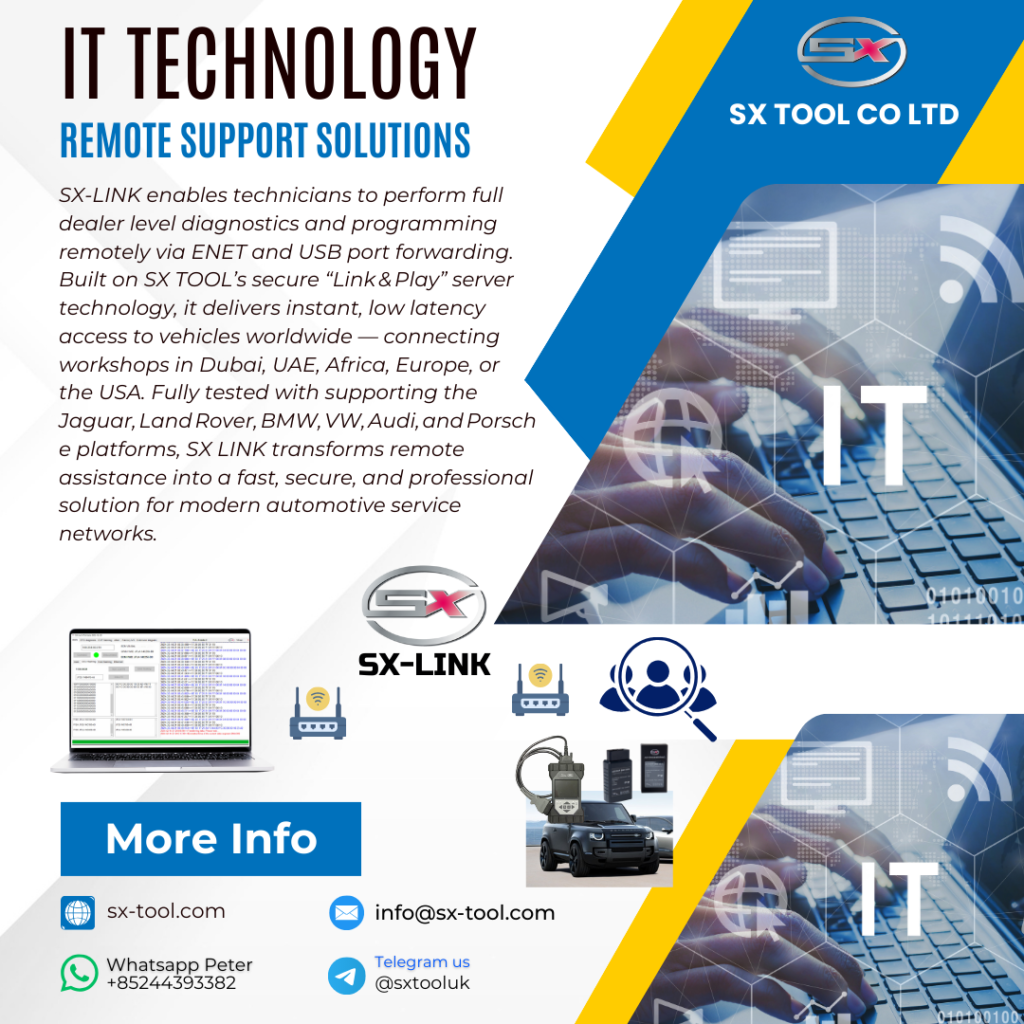
This guide is written from one technician to another. We'll cut through the marketing fluff and focus on the essential criteria you must consider when choosing a remote diagnostic interface, with a special focus on why the SX-LINK is engineered to meet the highest professional standards for JLR specialists.
Criterion 1: Connection Stability – The Non-Negotiable Foundation
This is the single most important factor. Period. When you are remotely flashing a multi-thousand-dollar Powertrain Control Module (PCM) or Body Control Module (BCM), the connection cannot drop. Not for a second. A momentary lapse in communication can corrupt the flash process and turn a valuable ECU into a paperweight.
What to look for:
- Proprietary Protocol vs. Generic VPN: Many budget solutions are just glorified VPN routers. They wrap your diagnostic data in a standard VPN tunnel, which is susceptible to internet latency and packet loss. Professional tools like the SX-LINK use a purpose-built, proprietary communication protocol designed specifically for diagnostic data. It prioritizes stability and data integrity above all else, ensuring a connection that is as solid as a direct cable.
- Low Latency: Look for a device engineered for minimal delay (latency). High latency can cause timeouts in diagnostic software, especially during security access procedures or live data streaming.
Criterion 2: Ease of Use – For You and Your Client
A remote tool is useless if the person at the vehicle end—be it a customer or a partner technician—can't get it working easily. The last thing you want is to spend an hour on the phone being IT support, trying to explain IP addresses and port forwarding.
What to look for:
- True Plug-and-Play: The ideal system should be “zero configuration.” The person at the car should only need to plug in the cables and connect to Wi-Fi. The device, like the SX-LINK, should handle the server connection automatically.
- No Complex Software Installation: The client-side hardware should not require any drivers or software to be installed on a laptop. The simpler it is for them, the more efficient it is for you.
Criterion 3: VCI and Protocol Compatibility
A remote interface is only as good as the diagnostic hardware (VCI) it can communicate with. As a JLR specialist, your tool must be compatible with the specific interfaces and protocols required for the job.
What to look for:
- DOIP Support: As we've established, Diagnostics Over IP is essential for modern JLRs. Your remote interface must be able to handle the high-speed data stream from a DOIP-VCI like the SX-DOIP or genuine JLR DOIP.
- Enet Cable Compatibility: For many coding and tuning applications, a simple JLR Enet cable is the tool of choice. The remote bridge must work seamlessly with it.
- Flexibility: The system should not lock you into a single brand of VCI. A quality remote interface will work with a range of professional, factory-approved tools.
Criterion 4: Security – Protecting Your Business and Your Client
When you connect to a vehicle remotely, you are transmitting sensitive data. This includes the vehicle's identity, security information, and potentially your own proprietary coding files and methods.
What to look for:
- End-to-End Encryption: This is non-negotiable. All data passing through the remote bridge must be encrypted using modern, robust security standards (like AES-256). This prevents anyone from snooping on the connection.
- Secure Server Infrastructure: The central server that manages the connection should be professionally maintained and secured against attacks.
Conclusion: Investing in Professionalism
While a cheap, generic remote device from a marketplace might seem tempting, it's a classic case of “penny wise, pound foolish.” The potential cost of a single failed programming job due to an unstable connection dwarfs the initial savings. Choosing a remote diagnostic interface is an investment in your business's reliability and reputation. The SX-LINK was built with these professional criteria at its core, providing JLR specialists with a tool they can trust for their most critical and profitable tasks.
Before you commit to a remote diagnostic solution, make sure it ticks all these boxes. For a deep dive into a toolset that is built by technicians, for technicians, check out the reliable, professional-grade solutions and expert support available at sx-tool.com.


