
Tips
SX-LINK vs. Traditional VPN: Why Specific Port Forwarding Wins
Dec
SX-LINK vs. Traditional VPN: Why Specific Port Forwarding Wins
When delving into remote vehicle diagnostics, technicians often look for ways to create a secure connection over the internet. The most familiar technology for this is a VPN (Virtual Private Network). It’s a common tool in the IT world, so it seems like a natural fit. However, a general-purpose VPN is fundamentally different—and inferior—to a purpose-built diagnostic bridge that uses specific, secure port forwarding, like the SX-LINK. Understanding this difference is key to appreciating why professionals choose a dedicated solution for a mission-critical task like vehicle programming.
How a Traditional VPN Works (and Its Drawbacks)
A traditional VPN is designed to take all the network traffic from one device and securely tunnel it to another network. When used for diagnostics, you would set up a VPN server in your workshop and have a client laptop at the vehicle connect to it. This makes the client's laptop behave as if it's on your local workshop network.
While this sounds good in theory, it has several major drawbacks in a professional automotive setting:
- Complexity and Unreliability: Setting up a stable VPN server requires significant IT knowledge. The client on the other end needs to install and correctly configure a VPN client. This process is prone to user error and can be a support nightmare. Firewalls and network configurations on either end can block the connection.
- High Overhead and Latency: VPNs add a layer of “overhead” to every piece of data, encapsulating it in extra packets. This increases latency (lag), which can be fatal during time-sensitive diagnostic procedures, leading to software timeouts.
- Security Risks: A VPN grants the remote device broad access to your entire local network, not just the diagnostic software. This can be a significant security risk, potentially exposing other computers and data in your workshop.
- Dependence on the Client's PC: As discussed before, you are still relying on the stability and performance of the client's computer to run the VCI drivers and diagnostic software—a massive variable outside your control.
How the SX-LINK’s Port Forwarding Works (and Why It's Superior)
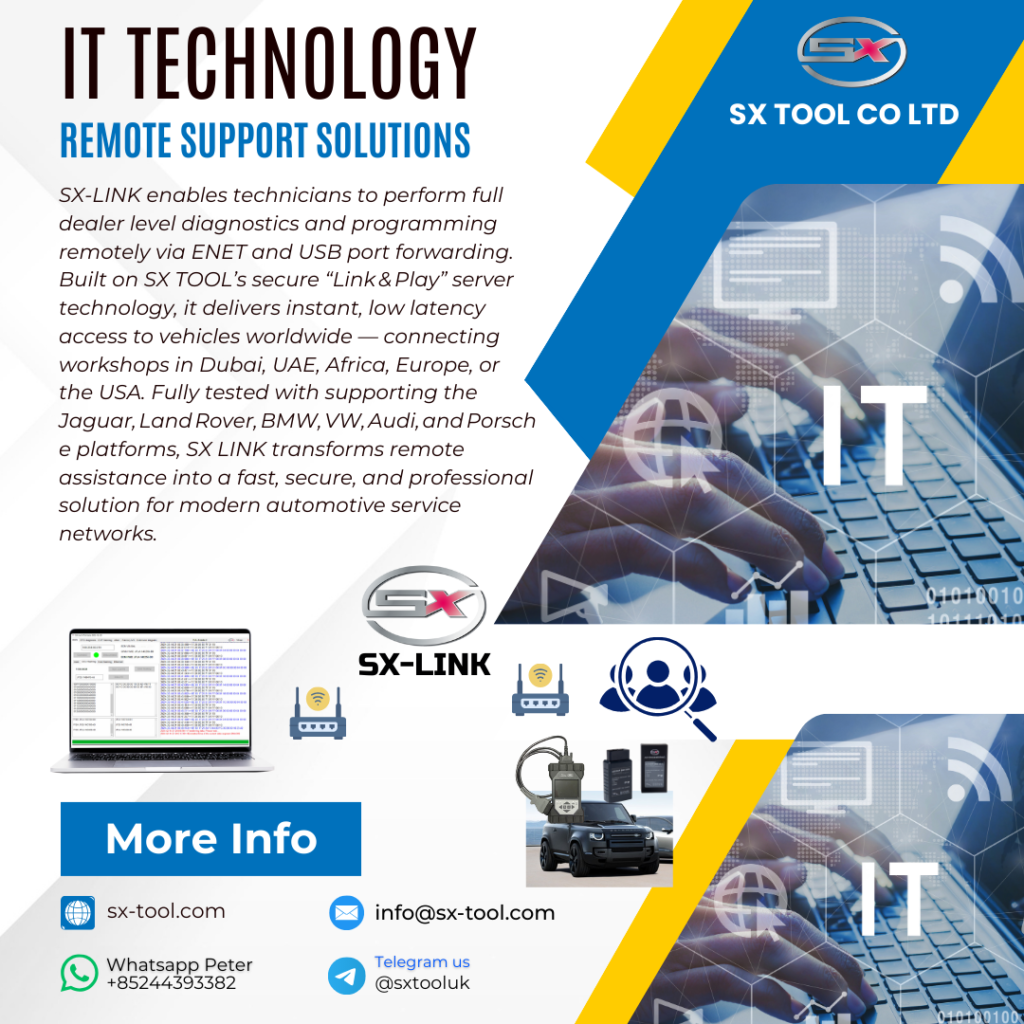
The SX-LINK doesn't create a wide-open VPN tunnel. Instead, it uses a highly specific and automated form of secure port forwarding. Think of it this way: instead of opening a giant garage door (the VPN) to let someone into your workshop, you’re creating a single, secure pneumatic tube that goes directly from your diagnostic tool to the vehicle's OBDII port, and nothing else.
Here’s how it works and why it wins:
1. It's Purpose-Built and Automated
You don't need to be a network engineer. The user at the vehicle end simply connects the SX-LINK to their local Wi-Fi. The device automatically calls home to the secure SX-TOOL server and establishes a connection. On your end, you click “Connect.” The complex process of creating the secure tunnel and forwarding the specific ports needed by the VCI drivers is handled completely automatically. This eliminates setup complexity and user error.
2. Lower Latency and Higher Stability
Because the SX-LINK is only forwarding the exact data needed for the VCI to communicate, the data stream is much leaner and more efficient. It uses a proprietary protocol optimized for this specific task, not for general web browsing. The result is a lower-latency, more stable connection that behaves as if the VCI were plugged directly into your computer—which is exactly what's required for safe programming.
3. Pinpoint Security
The SX-LINK only opens a tunnel for the diagnostic tool. It does not grant any other access to your local network or the client's local network. The entire connection is end-to-end encrypted. It's a highly secure, isolated bridge that poses no risk to either party's network infrastructure. Furthermore, it completely removes the client's potentially insecure PC from the diagnostic process.
The Professional's Choice
This table makes the choice clear:
| Feature | Traditional VPN | SX-LINK (Port Forwarding) |
|---|---|---|
| Setup Simplicity | Complex, requires IT knowledge | Click-and-play, automated |
| Stability & Latency | Higher latency, less stable | Low latency, engineered for stability with our global servers |
| Security | Broad network access, higher risk | Isolated, encrypted tunnel, minimal risk |
| Reliance on Client PC | High reliance | Zero reliance |
While a VPN is a fine tool for general IT tasks, it is the wrong tool for professional vehicle diagnostics. The risks associated with instability, security, and complexity are simply too high. For a task as critical as programming a customer's vehicle, you need a solution that was engineered for the job. Specific, secure port forwarding is the clear winner, providing the performance and peace of mind that a true professional demands.
To build your remote services on a foundation of professional-grade stability and security, choose the purpose-built solutions at sx-tool.com.


