
News
The Ultimate Guide to Remotely Retrofitting JLR Interactive Driver Displays
Dec
The Ultimate Guide to Remotely Retrofitting JLR Interactive Driver Displays
One of the most sought-after upgrades for any modern Jaguar or Land Rover is the switch from the standard analog gauges to the stunning, full-screen Interactive Driver Display (IDD). This single modification completely transforms the vehicle's interior, enhances the user experience, and significantly increases its perceived value. For years, this complex retrofit was the exclusive domain of a few specialist workshops. Now, thanks to powerful remote technology, it's a high-value service that any skilled JLR technician can offer to clients anywhere in the country.
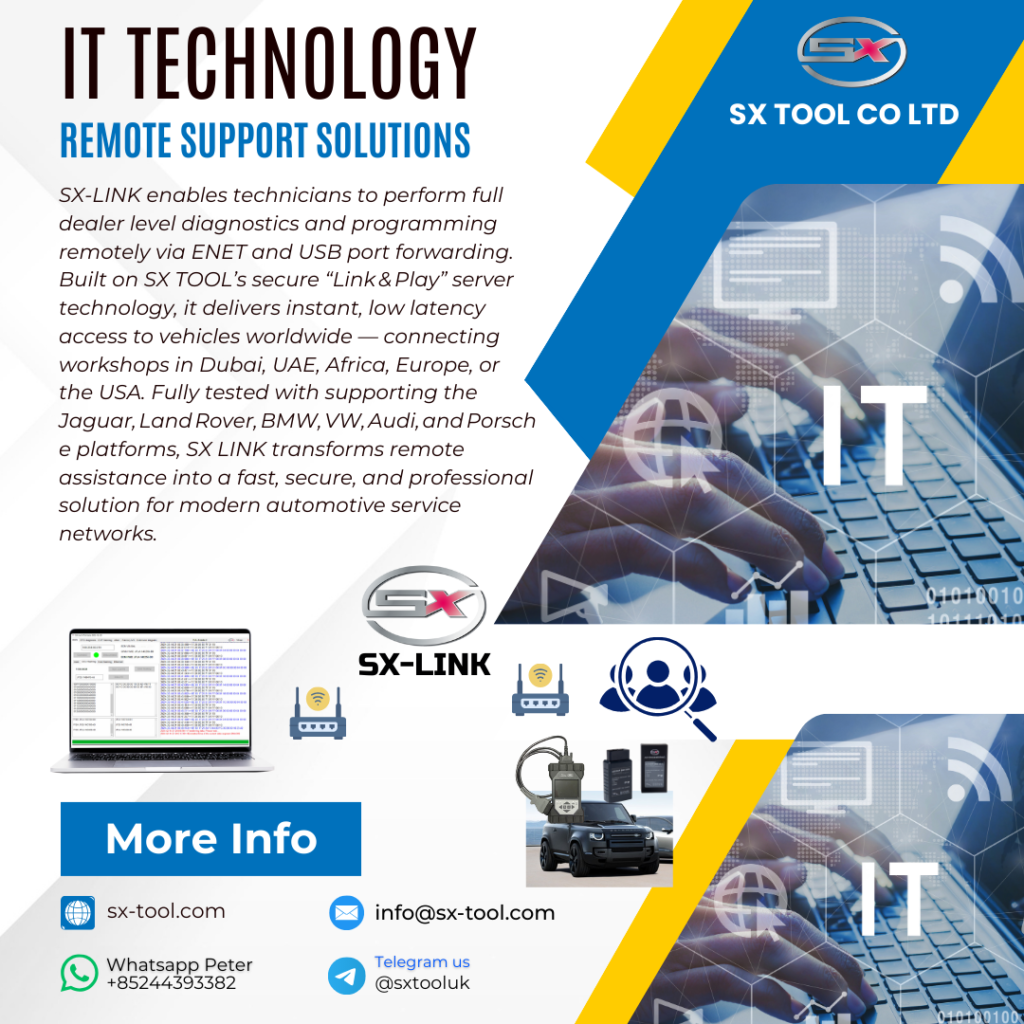
This guide will walk you through the process and principles of remotely coding an IDD retrofit using the SX-LINK Remote Diagnostic Bridge. While the physical installation is done by the client or a partner shop, the magic—and the profit—happens when you, the remote expert, bring the new hardware to life.
The Premise: Hardware and Software Working in Harmony
An IDD retrofit consists of two main parts:
- The Physical Installation: This involves the client or a local technician removing the old instrument cluster and physically installing the new IDD screen. They also need to ensure the correct MOST (Media Oriented Systems Transport) fiber optic network connections are made, as the IDD receives its map and media data over this network.
- The Remote Coding: This is where you come in. A new, blank IDD is just a black screen. It needs to be told what vehicle it's in, what features to display, and how to communicate with the other modules. This is all accomplished by precise editing of the Central Configuration File (CCF) and programming the module itself.
This division of labor is what makes the remote model so powerful. You focus on the highly-skilled, profitable coding work, while the straightforward physical installation can be handled by anyone with basic mechanical skills.
The Remote Coding Workflow: A Step-by-Step Overview
Let's say a client in another state has just installed a new IDD in their Discovery Sport. They are now your customer for the final, critical step.
Step 1: Establish the Connection
You will have shipped the client your SX-LINK kit. They connect it to their vehicle's OBDII port, which establishes a secure, high-speed bridge to your diagnostic laptop. You can now “see” the car as if it were in your own bay.
Step 2: Backup and Analysis
Your first action is always to download and save the vehicle's original CCF. This is your safety net. You'll then use your expert JLR software, like the JET-PRO suite, to analyze the current configuration.
Step 3: The CCF Edit
This is the heart of the job. Working offline on the downloaded file, you will modify several key parameters in the CCF. While the exact lines vary by model and year, you will typically be changing parameters such as:
- Instrument Cluster Type: Changing the value from “Standard Analogue Cluster” to “Interactive Driver Display” or “Virtual Display.”
- Navigation Display: Enabling the setting that allows the navigation map to be shown on the instrument cluster.
- Head-Up Display (HUD) Parameters: If the vehicle has a HUD, you need to ensure the CCF is set to send the correct display information from the new IDD.
- Media Player Display: Activating the settings for album art and other media information to be displayed on the IDD.
Step 4: Writing the New Configuration
Once you have meticulously verified your offline edits, you reconnect to the vehicle and upload the single modified CCF file. After the write is complete, you will command a full vehicle re-configuration. The car's modules will reboot and “read” their new instructions from the updated CCF. The IDD will flicker to life.
Step 5: Odometer Correction and Module Programming
A new, blank IDD will often display 0 miles, which is a problem. Your final step will be to use a specialized function in your diagnostic tool to read the correct mileage from another module (like the BCM or PCM) and write it to the new IDD. You'll then program the IDD module itself, syncing it to the vehicle's security system and finalizing the installation.
Why This is a Goldmine Service
An IDD retrofit is a high-desire, high-value modification. Clients are willing to pay a significant premium for this factory-plus upgrade. Your remote coding service is the essential key that makes it all work. Because your work is pure knowledge and software-based, your profit margins are extremely high. You can perform several of these jobs in a single day, serving clients all over the country, without ever touching a tool or leaving your chair.
Offering services like remote IDD retrofits elevates your business from a simple repair shop to a bespoke vehicle enhancement studio. It’s a testament to your skill and a powerful way to build an elite brand.
To acquire the state-of-the-art remote tools and robust software needed to confidently offer complex retrofits and other advanced JLR services, the comprehensive solutions at sx-tool.com provide the professional foundation for your success.


